
This is a member only article

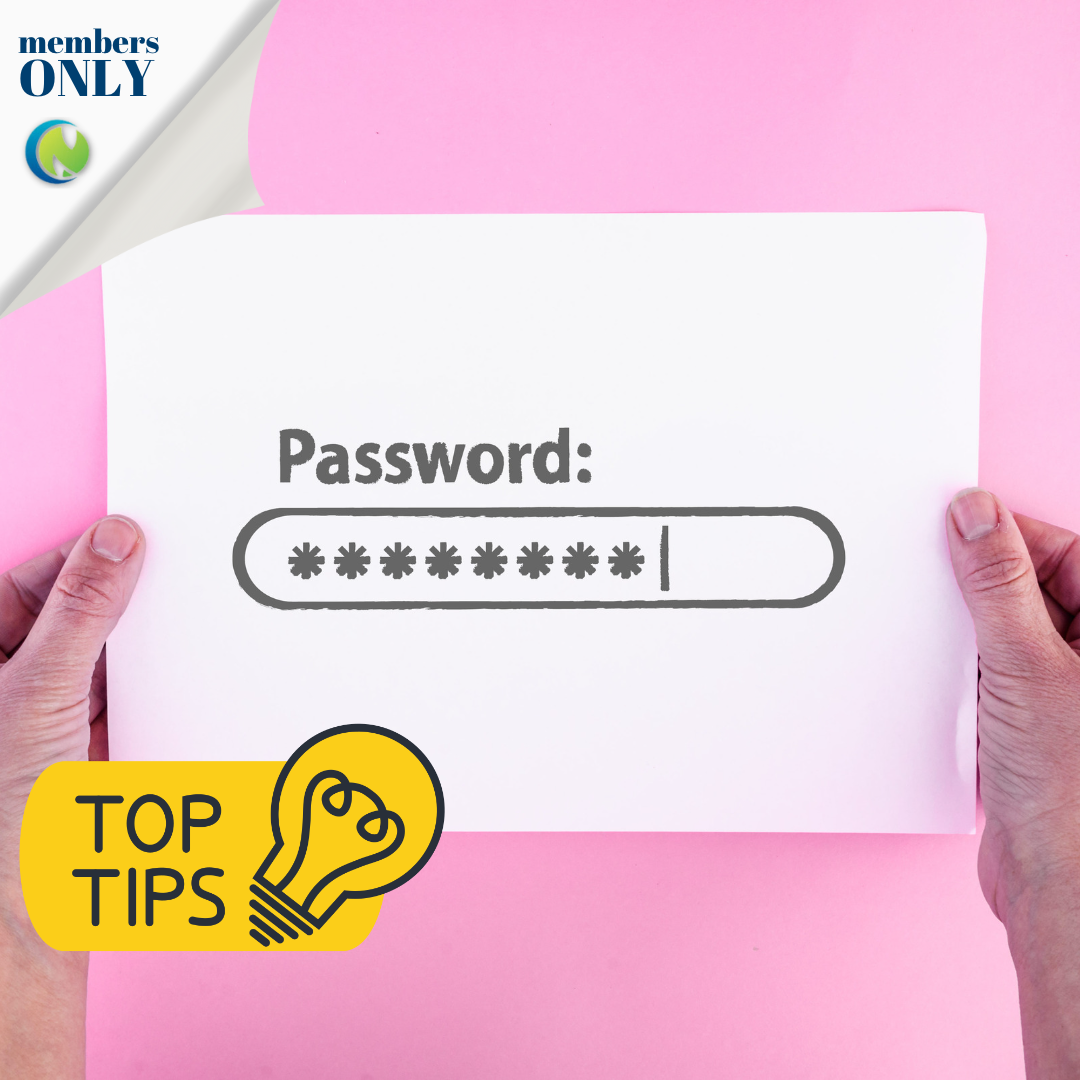
It’s easy to reset your password if you forget, or are updating your password security.
There are two ways to change or reset your password for the Country Network Members Only space.
The first way to reset your password if you are not logged in is as follows:
-
Open your login form and click ‘Forgot password?’
-
Fill in the form and click ‘Send me reset instructions’ at the bottom
-
Open the Password reset request email in your inbox and click the ‘Click Here’ link
-
Enter your new password and click ‘Reset Password’
-
Log in with your new password
If you are already logged in to the website and wish to change your password for future logins:
-
Open your account by clicking on the ‘Your Account’ button in the website’s top right-hand corner.
-
Click the ‘Change your password’ link under the ‘Profile’ section.
-
Fill in the form and click ‘Update Password’
It is important to note that the digital team cannot reset your password, only you can reset your password.
Happy Networking!
Check back soon for some more Top Tips on finding your way around the new website.