

This is a member only article

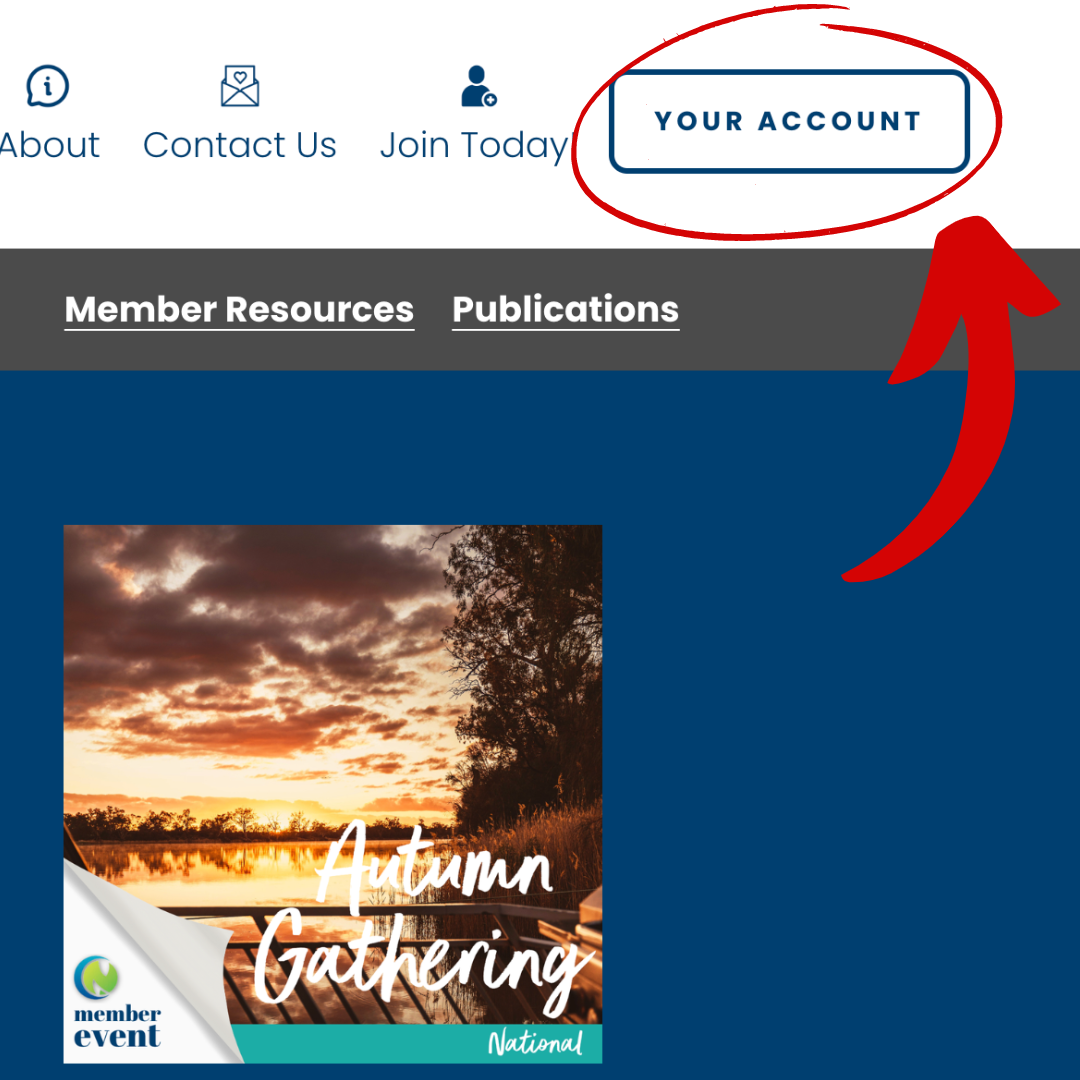
You may have noticed that some members have added their photo to their member profile. Want to know how?
Adding a photo to your member profile is simple and quick.
Simply click on the ‘Your Account’ button in the top right-hand corner of the website.
Then click on ‘edit your profile’, from there, all you need to do is click on the empty profile image and upload a photo!
Here are some quick tips for your best profile pic:
-
A square, cropped photo will help centre your image. Unfortunately, you can’t move the image within the circle.
-
A close-up, clear face photo is great, but If you’re shy, don’t worry your photo can be anything that represents you. (Keep it clean!)
-
Profiles with photos are listed first in the member profile listing, so if you want to network and meet more Country Network members, make sure you have a profile photo.
Happy Networking!
Check back soon for some more Top Tips on finding your way around the new website.